
Guided Install and Setup
It's time to get you connected to a better experience.Installation Steps
Follow these easy steps to upgrade your current router to the best device Erwin Fiber has to offer!
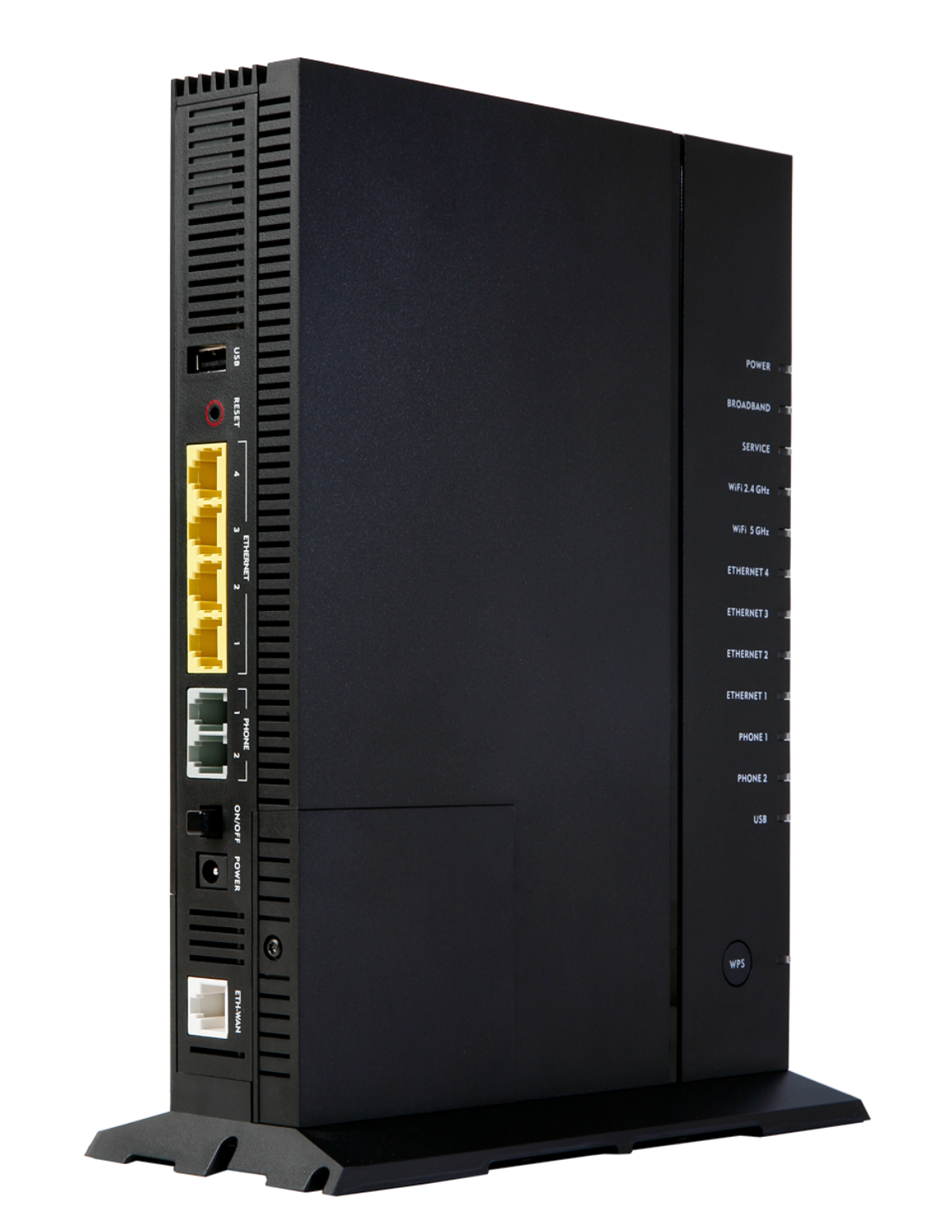
1.
Locate and disconnect the power on your existing GigaCenter.
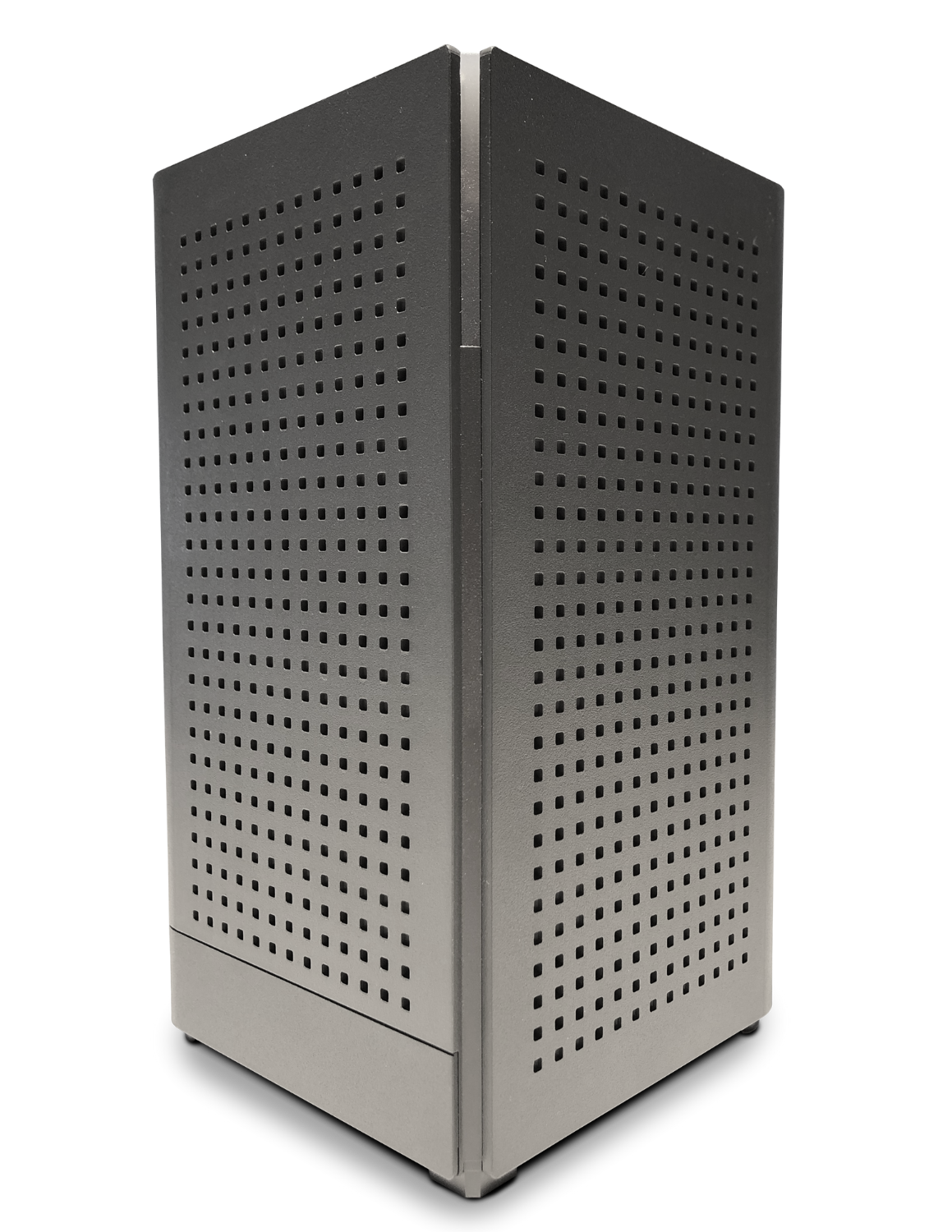
2.
Unbox your new GigaSpire Ultimate Wi-Fi system.

3.
Before moving on, disconnect the ethernet cables from the GigaCenter and connect them to the same ports on the back of the GigaSpire.
4.
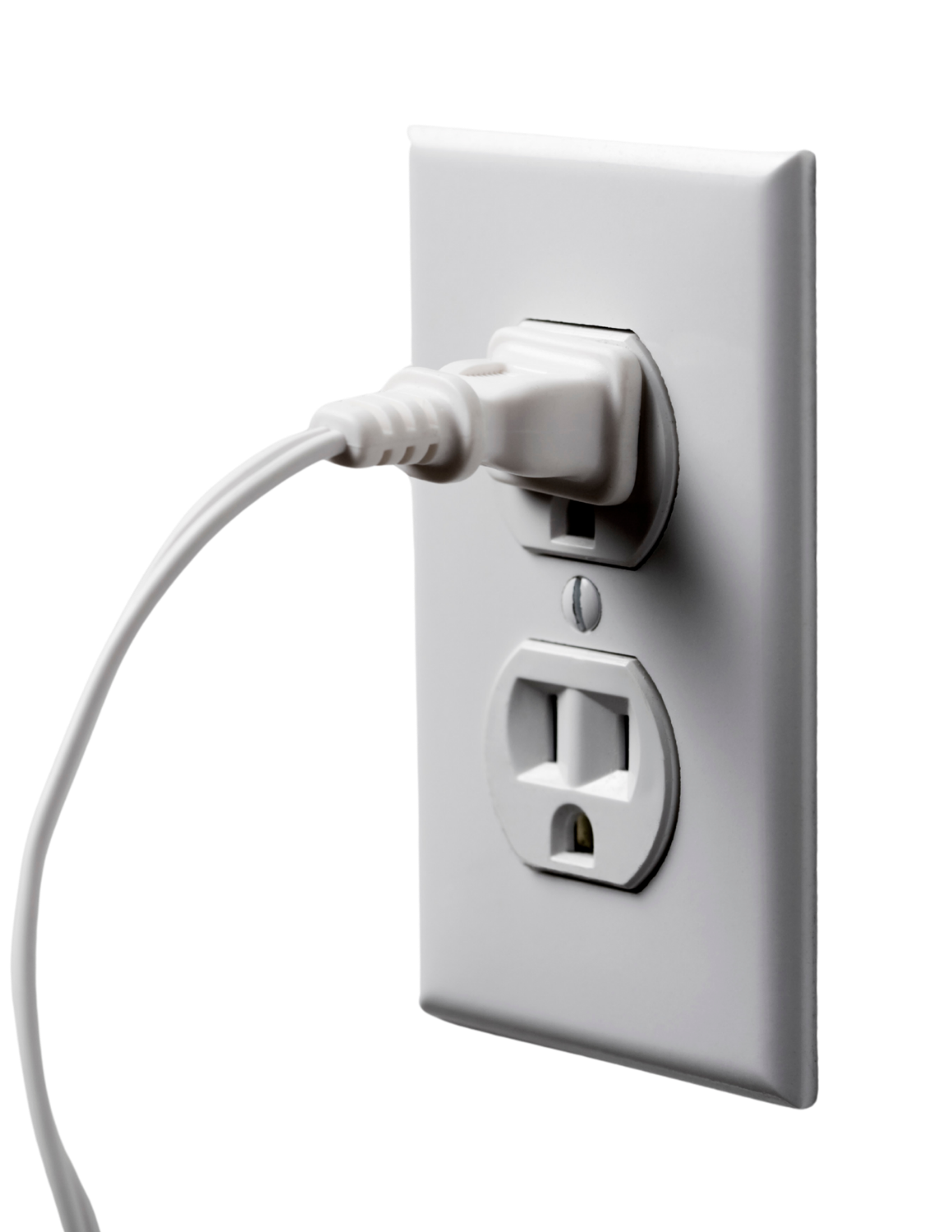
Take power cord and plug it into GigaSpire and wall outlet. Your system may take up to 10 minutes to boot up.
5.
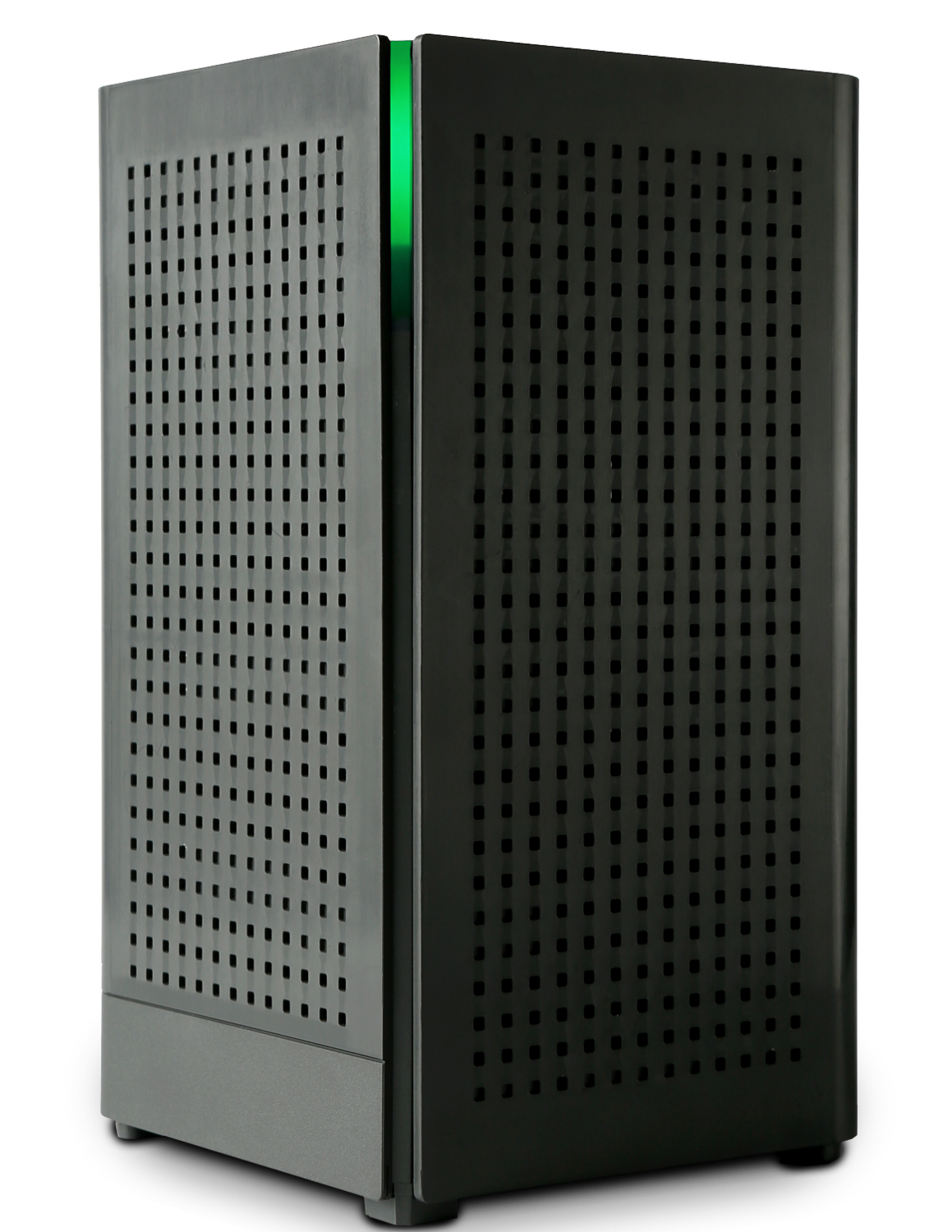
A green light will indicate a success installation.
Learn more about your new service with these free resources.
Setup Guide
How-to-Videos
CommandIQ
Tailor your home network experience your way from the palm of your hand. With the CommandIQ app from Erwin Fiber, you can manage every aspect of your experience. Monitor network traffic, prioritize device usage, run bandwidth tests, create guest networks, and more!
CommandIQ™
Download the CommandIQ™ app to manage your WiFi.